# Display utilization of contingent offers in the frontend
Fig. 1: Color coding of the availability of individual program items/answers
For indirectly linked answers, i.e. answer options to a question within an *offer package*, the **availability** can **be displayed directly in the offer overview in the frontend**. This is useful for a workshop selection, for example.
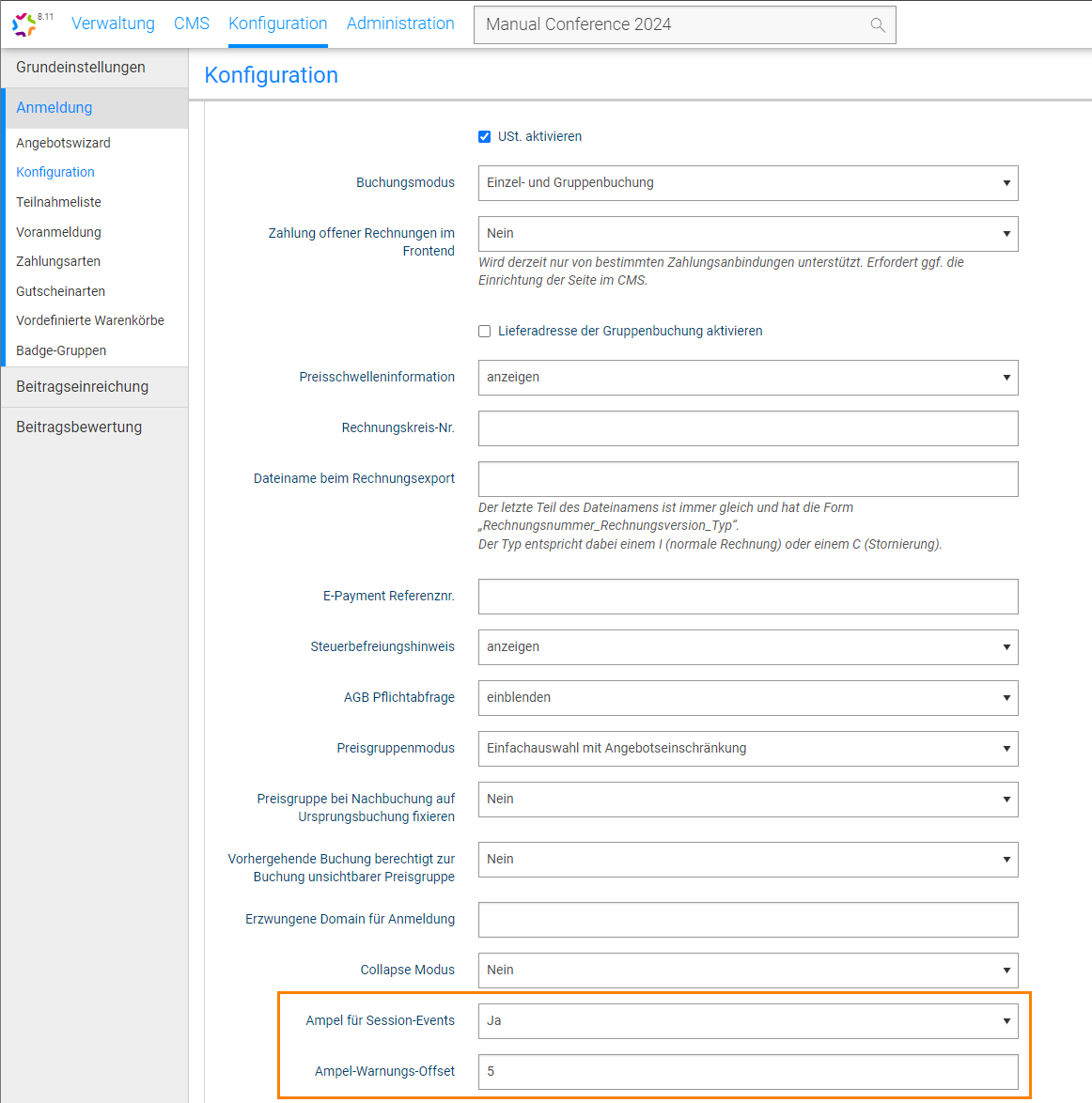
* Activate the *traffic light for session events* (Fig. 2) in *General settings*. This causes the color coding to appear in the frontend: green - available, orange - almost fully booked, red - fully booked.
* You must now define the remaining contingent at which the color changes to orange. The *Traffic light warning offset* field is used to define when the program item should be displayed as orange, i.e. almost fully booked (Fig. 2).